- 背景色
- #560b13
- 前景色
- #f7e8d8
- 文字對比度
- 12.04:1AAA
- 強調色對比度
- 7.26:1最低 5.29
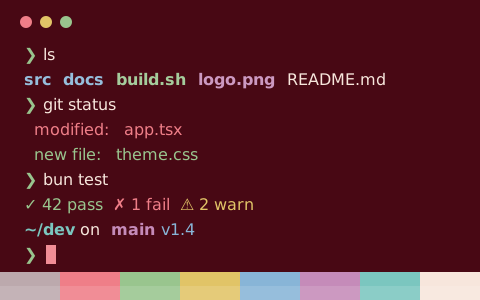
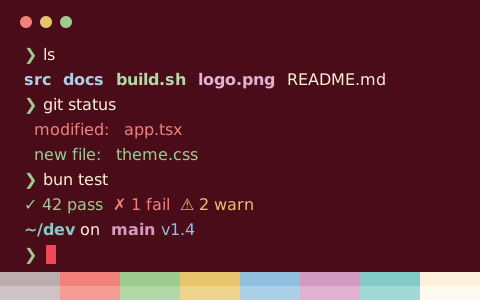
zsh — ls & git status
zsh — ls & git status
zsh — ls & git status
zsh — ls & git status
zsh — ls & git status — Konsole
Poison Apple 的設定檔
16 種格式,都從同一份色板產生
Poison Apple
存到 ~/.config/ghostty/themes/Poison Apple,再在 config 或 config.ghostty 裏寫 theme = Poison Apple
# Theme: Poison Apple (Ghostty)
# Preview & customize online: https://tintdex.afengim.com/zh-hk/schemes/poison-apple?format=ghostty

palette = 0=#bca8aa
palette = 1=#ef8178
palette = 2=#9ed25f
palette = 3=#e5c45b
palette = 4=#86b9d8
palette = 5=#c28bb9
palette = 6=#7cc4bc
palette = 7=#f7e8d8
palette = 8=#c4b2b4
palette = 9=#f19088
palette = 10=#aad772
palette = 11=#e8cb6f
palette = 12=#95c1dd
palette = 13=#c999c1
palette = 14=#8ccbc4
palette = 15=#f8ebdd
background = #560b13
foreground = #f7e8d8
cursor-color = #f19088
cursor-text = #560b13
selection-background = #c4b2b4
selection-foreground = #fff8ea
Poison Apple 色板
關於 Poison Apple
Poison Apple 採用暖色調的深色背景(#560b13),預設前景色為 #f7e8d8。正文的 WCAG 對比度為 12.04:1(AAA),12 種 ANSI 彩色槽位平均對比度 7.26:1,最低 5.29:1。
色板整體色彩飽和度適中,其中紅色為 #ef8178、綠色為 #9ed25f、藍色為 #86b9d8、洋紅為 #c28bb9。
支援一鍵匯出 Ghostty、iTerm2、Kitty、Alacritty、WezTerm、Windows Terminal、Warp、foot、Rio、XFCE4 Terminal、Xresources 終端機設定檔,同時提供 VS Code 與 Zed 整合終端機、CSS 變數、Tailwind CSS 及 JSON 色板格式。
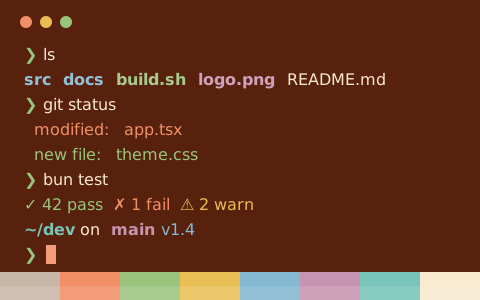
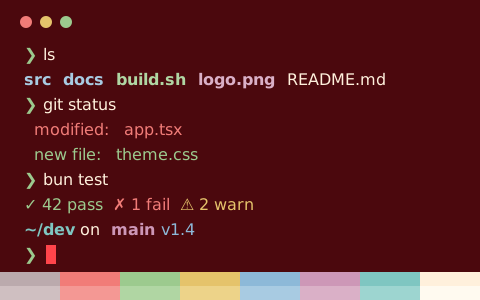
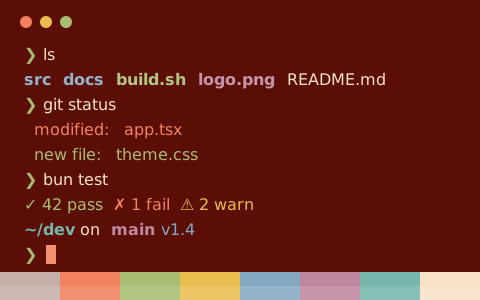
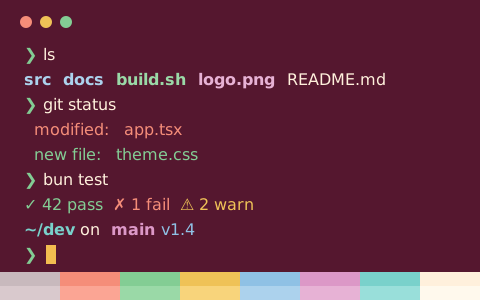
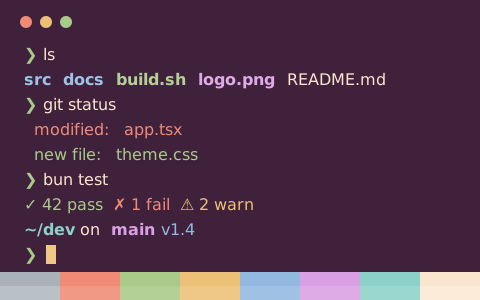
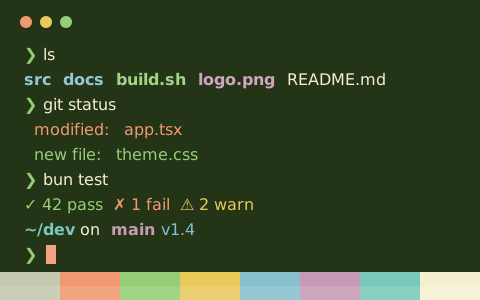
與 Poison Apple 相似的配色
資料來源:iTerm2 Color Schemes (MIT)