- 背景色
- #171517
- 前景色
- #f5f5f5
- 文字のコントラスト
- 16.66:1AAA
- アクセントのコントラスト
- 7.67:1最小 2.60
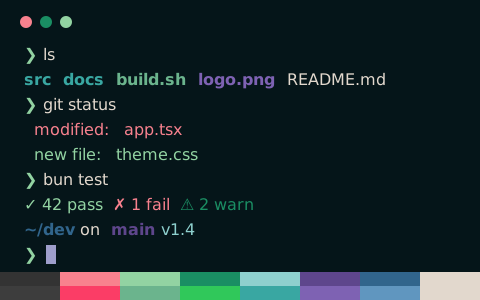
zsh — ls & git status
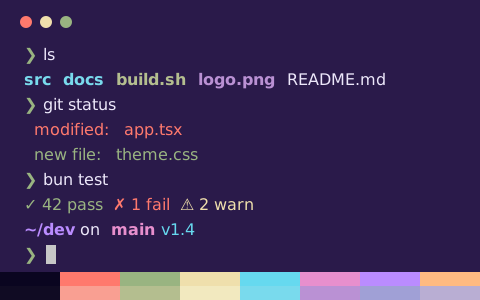
zsh — ls & git status
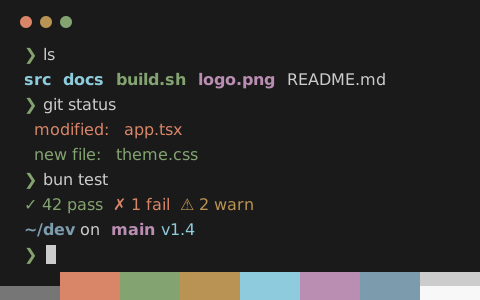
zsh — ls & git status
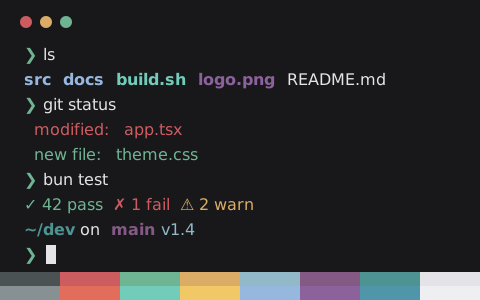
zsh — ls & git status
zsh — ls & git status — Konsole
Pinky の設定ファイル
16 種類の形式を、ひとつのパレットから生成
Pinky
~/.config/ghostty/themes/Pinky に保存し、config または config.ghostty に theme = Pinky を書く
# Theme: Pinky (Ghostty)
# Preview & customize online: https://tintdex.afengim.com/ja/schemes/pinky?format=ghostty

palette = 0=#171517
palette = 1=#ffa600
palette = 2=#ff0066
palette = 3=#20df6c
palette = 4=#00ffff
palette = 5=#007fff
palette = 6=#6600ff
palette = 7=#f5f5f5
palette = 8=#383338
palette = 9=#ffa600
palette = 10=#ff0066
palette = 11=#20df6c
palette = 12=#00ffff
palette = 13=#007fff
palette = 14=#6600ff
palette = 15=#f7f3f7
background = #171517
foreground = #f5f5f5
cursor-color = #f5f5f5
cursor-text = #171517
selection-background = #474546
selection-foreground = #f5f5f5
Pinky のパレット
Pinky について
Pinky はニュートラルのダーク背景(#171517)を採用し、標準の前景色に #f5f5f5 を使ったターミナル配色です。本文の WCAG コントラスト比は 16.66:1(AAA)、12 色の ANSI カラーは平均 7.67:1、最小 2.60:1 です。
パレット全体は彩度が高めで、赤 #ffa600、緑 #ff0066、青 #00ffff、マゼンタ #007fff を基調としています。
Ghostty、iTerm2、Kitty、Alacritty、WezTerm、Windows Terminal、Warp、foot、Rio、XFCE4 Terminal、Xresources 向けの設定ファイルを書き出せるほか、VS Code・Zed の統合ターミナル、CSS 変数、Tailwind CSS、JSON 形式にも対応しています。
Pinky に似た配色
データ出典:Gogh (MIT OR Apache-2.0)