foot 配色

foot 支援 Linux。站內 2037 套配色均可一鍵產生 foot 原生設定:點開任何一套配色,匯出面板會自動切換到 foot 格式
- 支援平台
- Linux
熱門 foot 配色
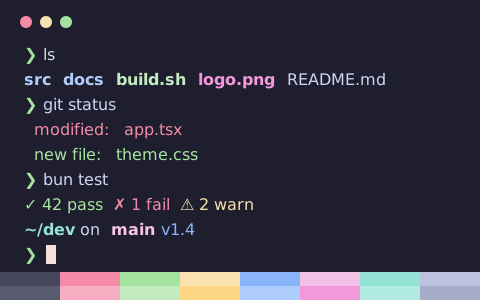
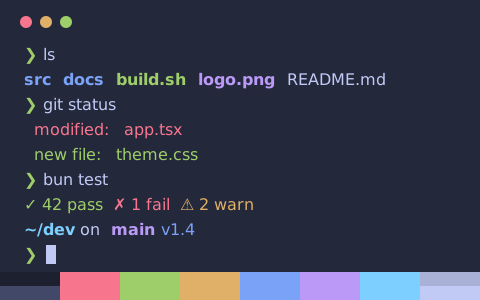
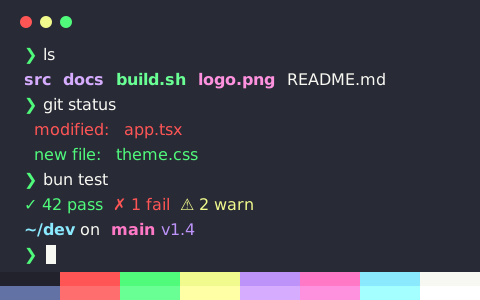
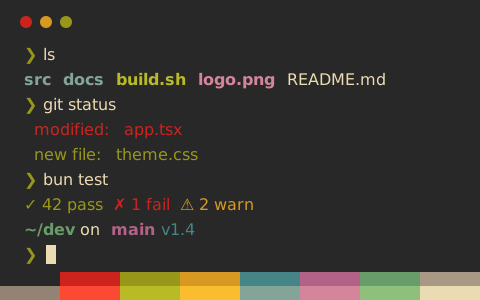
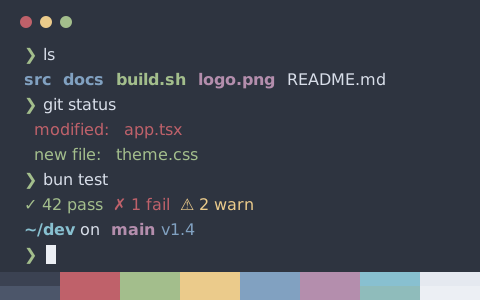
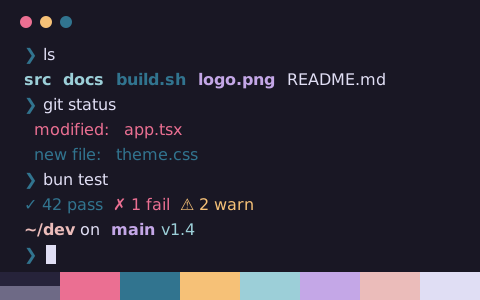
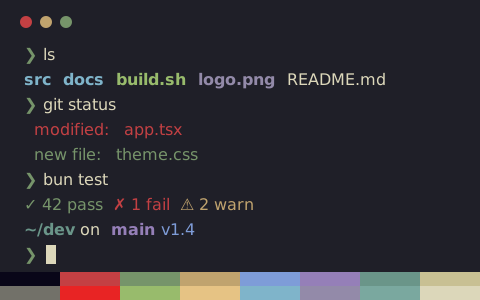
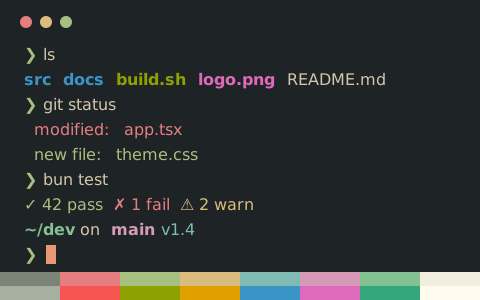
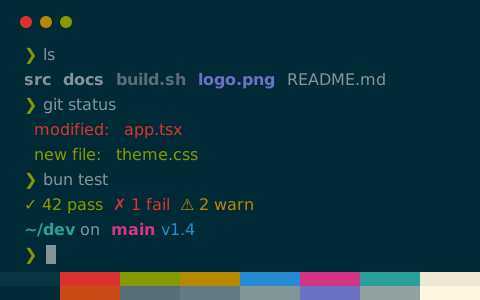
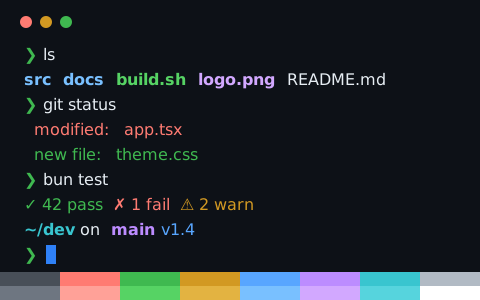
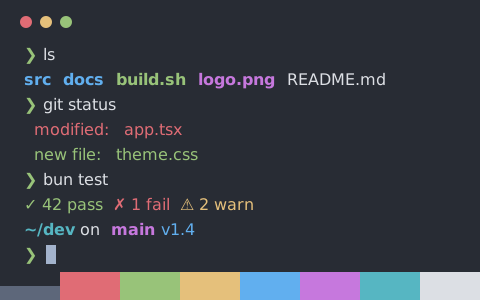
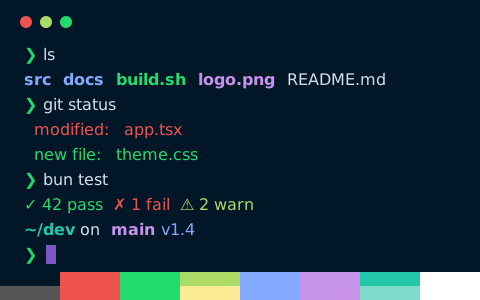
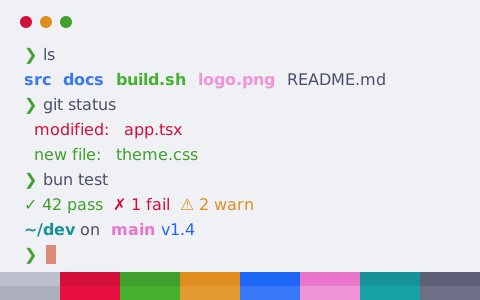
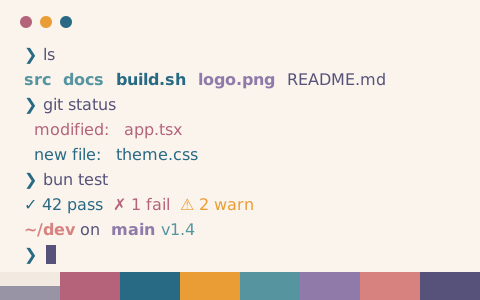
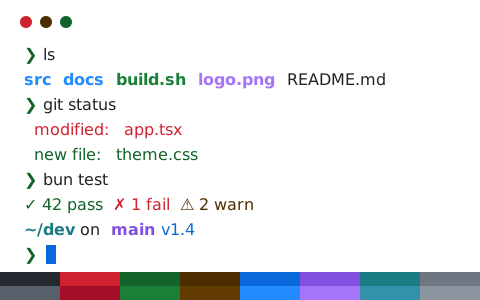
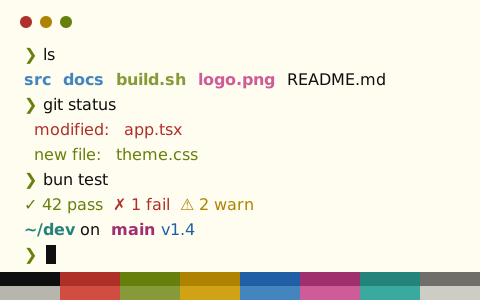
點擊任何一套配色查看即時終端機預覽,匯出面板將預設選中 foot 格式
在 foot 中安裝配色
- 打開任何一套配色頁面,匯出面板會自動切換到 foot 格式,複製或下載設定檔
- 存到 ~/.config/foot/themes/catppuccin-mocha.ini,再在 foot.ini 裏加
include=~/.config/foot/themes/catppuccin-mocha.ini - 儲存後重新載入設定,或重新啟動 foot
命令列下載
以下以 Catppuccin Mocha 為例,直接將設定檔下載至 foot 的主題資料夾。將連結中的 catppuccin-mocha 替換為其他配色標識即可下載對應主題
mkdir -p ~/.config/foot/themes && curl -fsSL "https://tintdex.afengim.com/raw/catppuccin-mocha/foot" -o "$HOME/.config/foot/themes/catppuccin-mocha.ini"設定範例:Catppuccin Mocha(foot)
catppuccin-mocha.ini
# Theme: Catppuccin Mocha (foot)
# Preview & customize online: https://tintdex.afengim.com/zh-hk/schemes/catppuccin-mocha?format=foot

[colors-dark]
foreground=cdd6f4
background=1e1e2e
cursor=1e1e2e f5e0dc
selection-foreground=1e1e2e
selection-background=f5e0dc

regular0=45475a
regular1=f38ba8
regular2=a6e3a1
regular3=f9e2af
regular4=89b4fa
regular5=f5c2e7
regular6=94e2d5
regular7=bac2de
bright0=585b70
bright1=f7aec2
bright2=c2ecbf
bright3=fcd682
bright4=aeccfc
bright5=f398da
bright6=b1eae1
bright7=a6adc8
按視覺風格挑選
站內全部 2037 套配色均可匯出為 foot 格式,亦可按風格分類篩選: