Kitty themes

Kitty runs on macOS and Linux. All 2037 color schemes export directly to Kitty—open any scheme below and the export panel preselects Kitty
- Platforms
- macOS and Linux
- Website
- sw.kovidgoyal.net/kitty
Popular Kitty themes
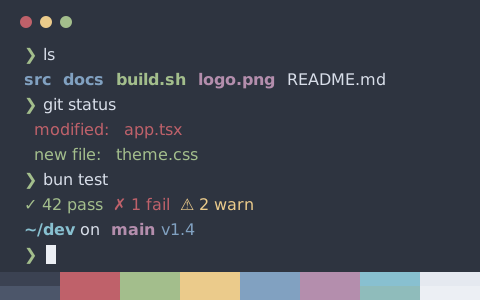
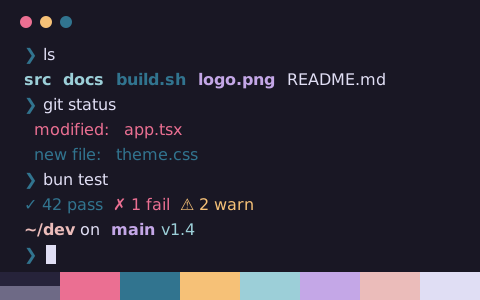
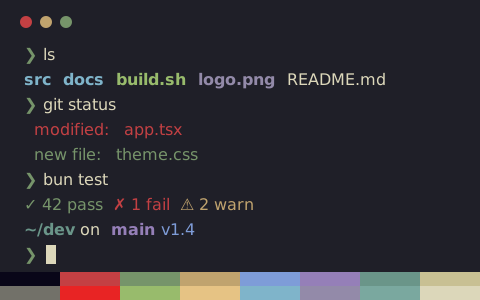
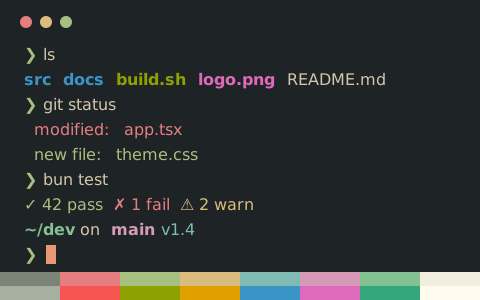
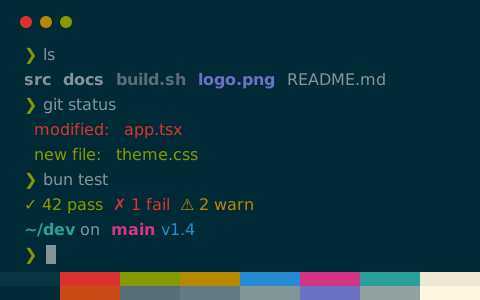
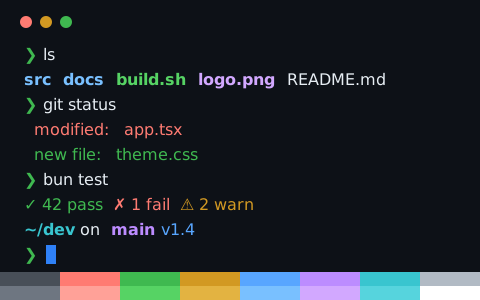
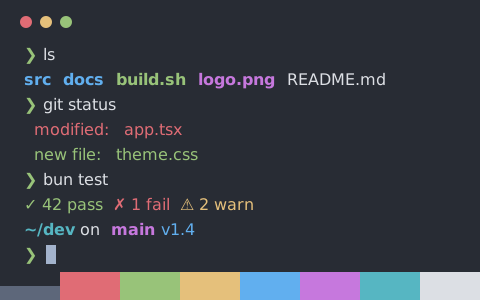
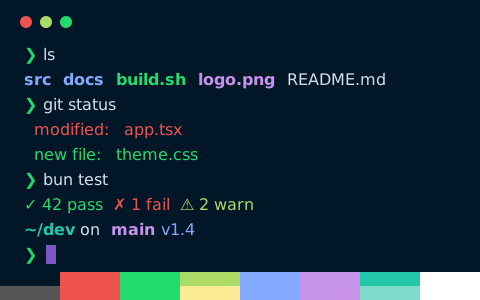
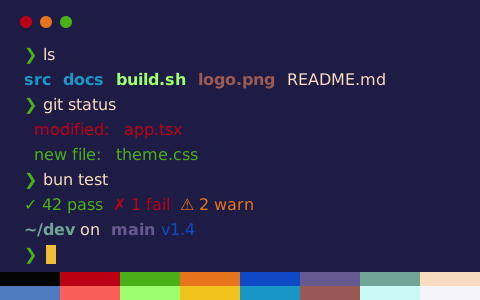
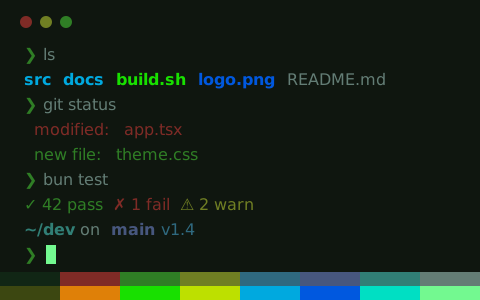
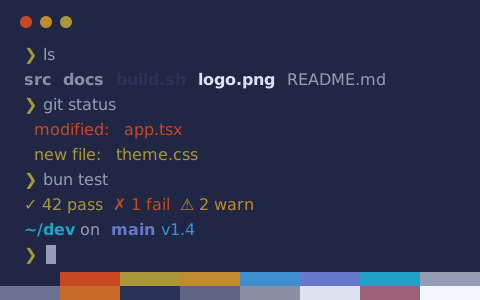
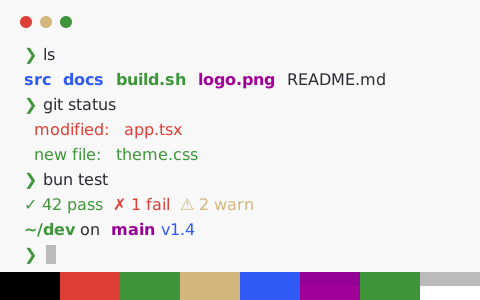
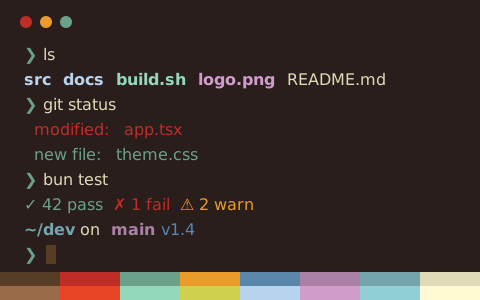
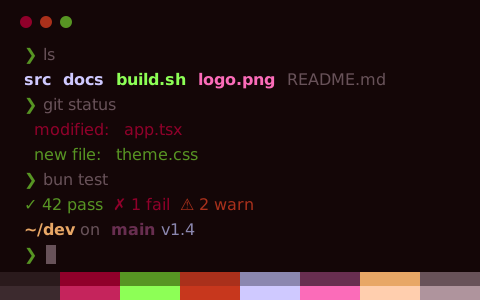
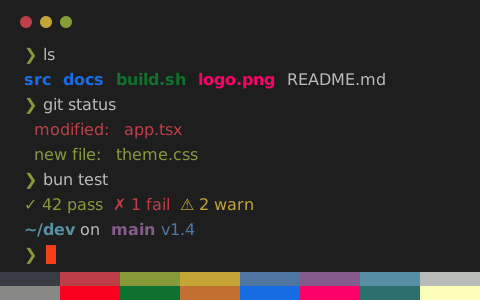
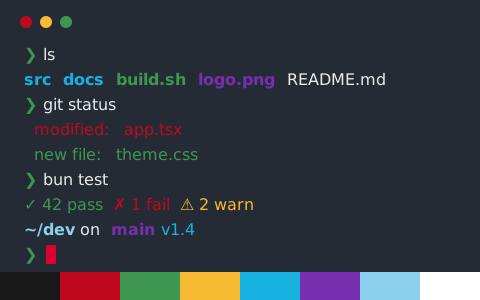
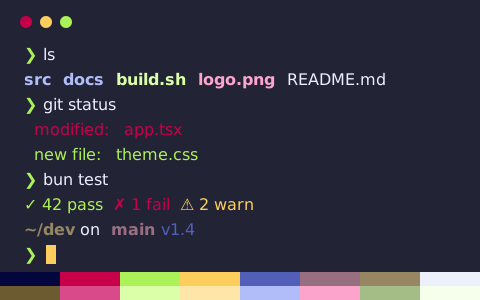
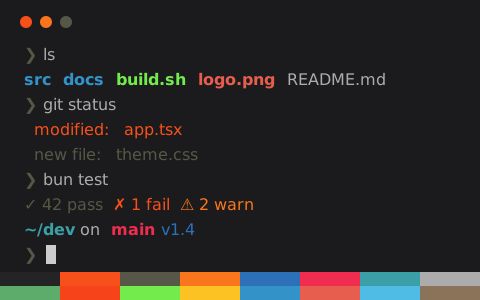
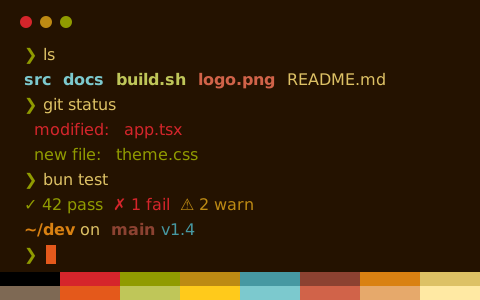
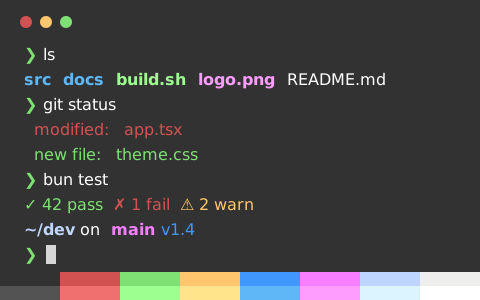
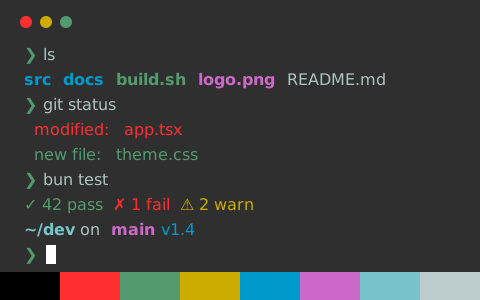
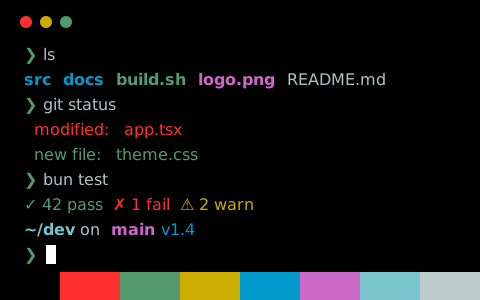
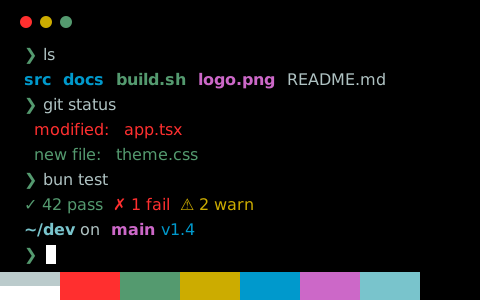
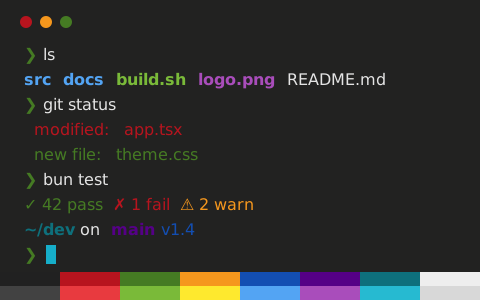
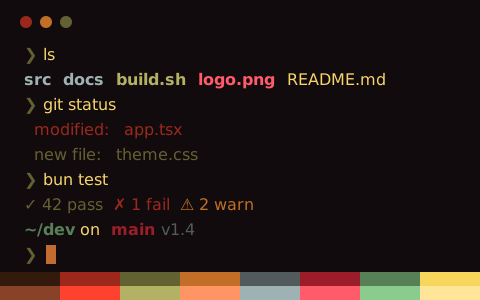
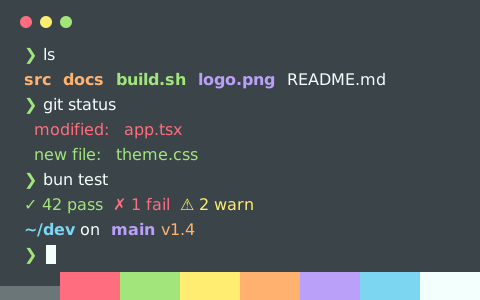
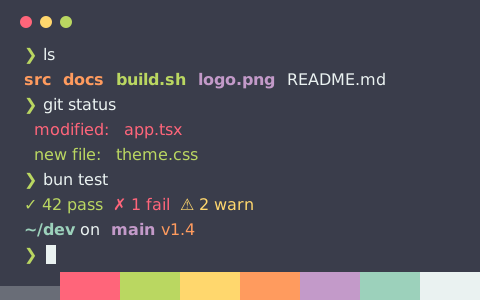
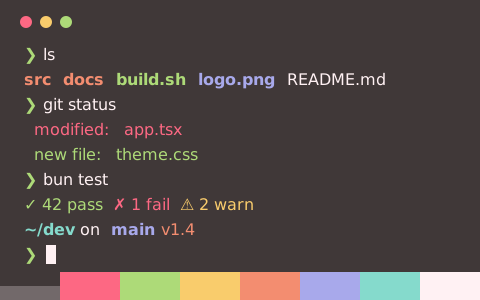
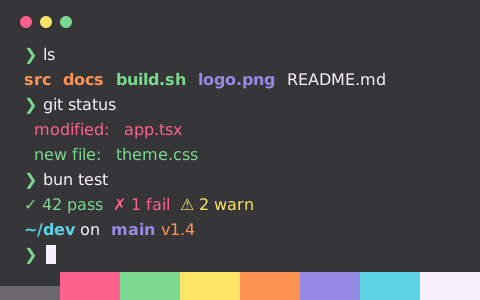
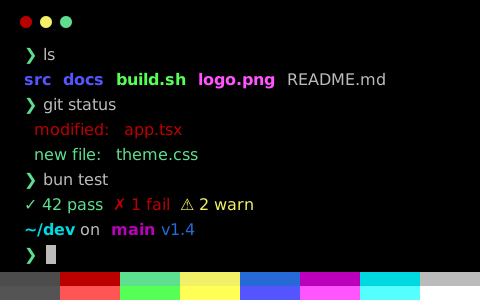
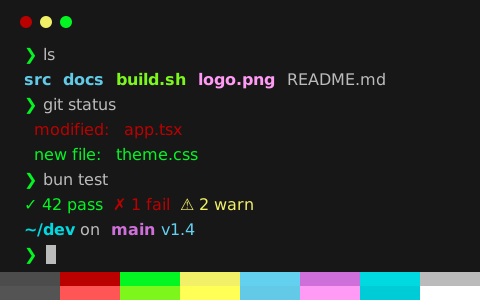
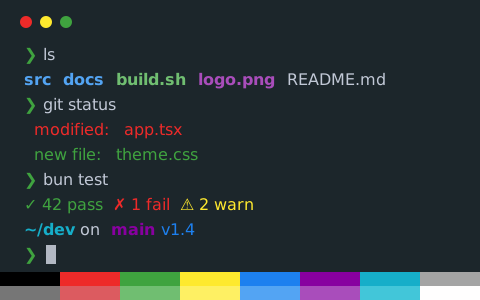
Open any scheme for an interactive terminal preview with the Kitty config tab preselected
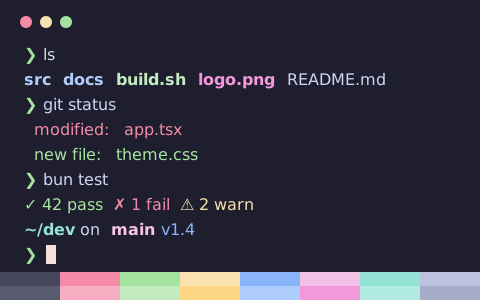
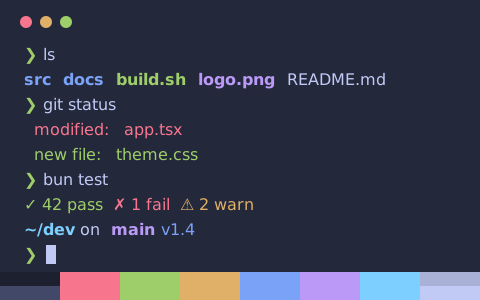
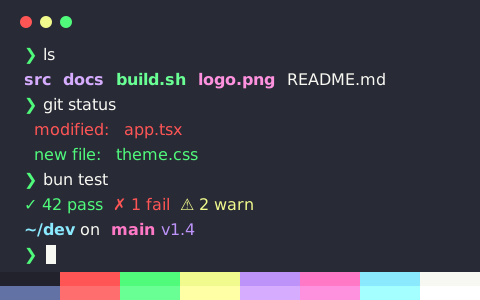
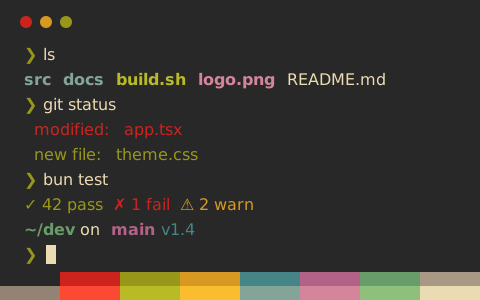
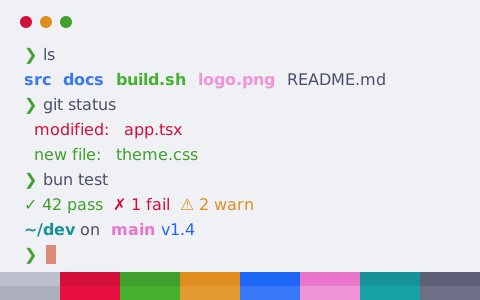
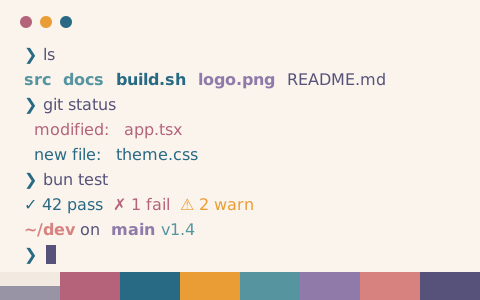
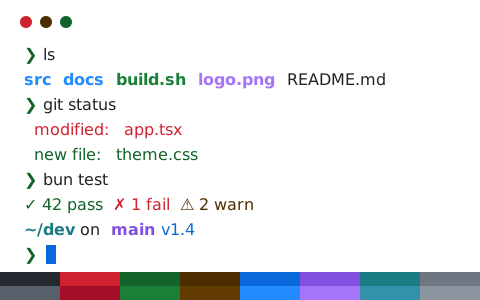
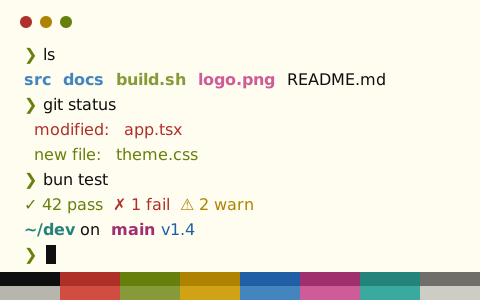
Install a color scheme in Kitty
- Open any scheme page—the export panel preselects Kitty so you can copy or download the config
- Save to ~/.config/kitty/themes/catppuccin-mocha.conf and add
include themes/catppuccin-mocha.confin kitty.conf - Reload your configuration or restart Kitty
Download from the command line
Using Catppuccin Mocha as an example, this command saves the config into Kitty’s theme directory. Replace catppuccin-mocha in the URL with any other scheme slug
mkdir -p ~/.config/kitty/themes && curl -fsSL "https://tintdex.afengim.com/raw/catppuccin-mocha/kitty" -o "$HOME/.config/kitty/themes/catppuccin-mocha.conf"Example config: Catppuccin Mocha (Kitty)
catppuccin-mocha.conf
# Theme: Catppuccin Mocha (Kitty)
# Preview & customize online: https://tintdex.afengim.com/en/schemes/catppuccin-mocha?format=kitty

foreground #cdd6f4
background #1e1e2e
selection_foreground #1e1e2e
selection_background #f5e0dc
cursor #f5e0dc
cursor_text_color #1e1e2e

color0 #45475a
color1 #f38ba8
color2 #a6e3a1
color3 #f9e2af
color4 #89b4fa
color5 #f5c2e7
color6 #94e2d5
color7 #bac2de
color8 #585b70
color9 #f7aec2
color10 #c2ecbf
color11 #fcd682
color12 #aeccfc
color13 #f398da
color14 #b1eae1
color15 #a6adc8
From the Kitty theme repository
34 schemes curated from Kitty Themes, an upstream Kitty theme collection Browse the remaining 10 in all schemes
Browse by visual style
All 2037 schemes export to Kitty. Filter by visual style: