Rio themes

Rio runs on macOS, Linux, and Windows. All 2037 color schemes export directly to Rio—open any scheme below and the export panel preselects Rio
- Platforms
- macOS, Linux, and Windows
- Website
- rioterm.com
Popular Rio themes
Open any scheme for an interactive terminal preview with the Rio config tab preselected
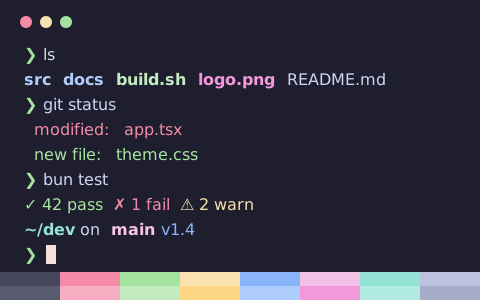
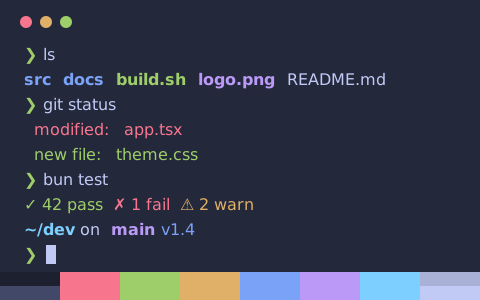
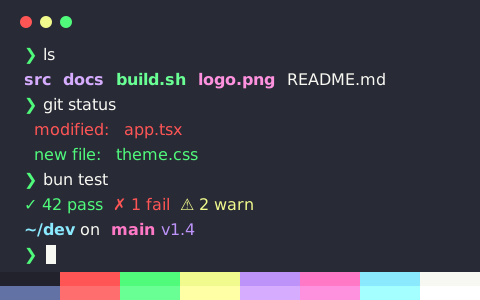
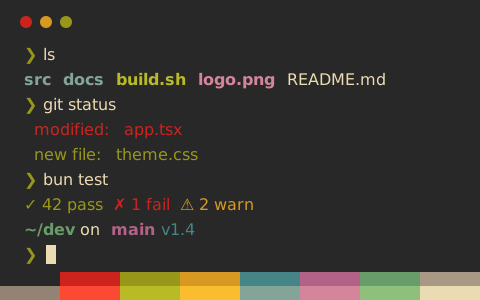
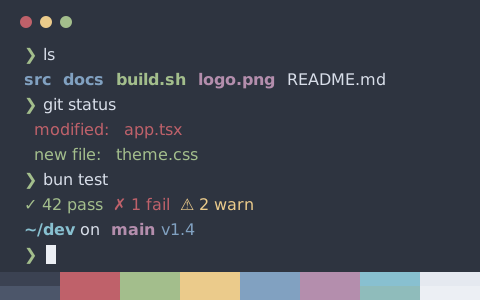
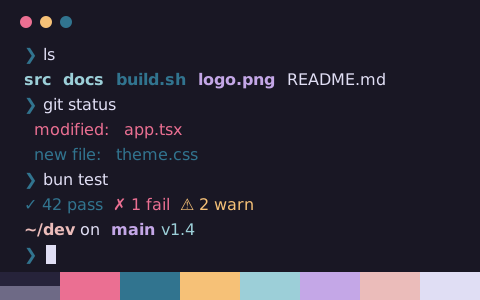
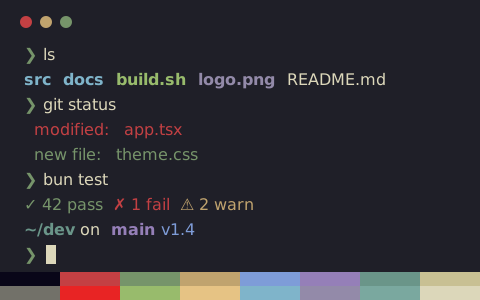
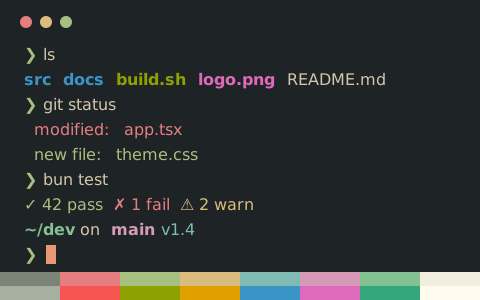
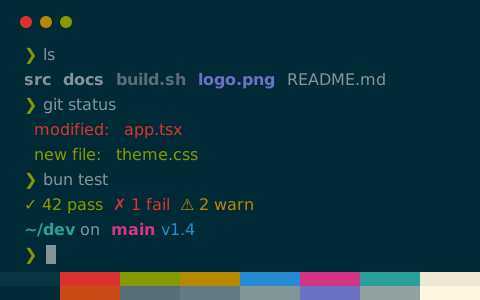
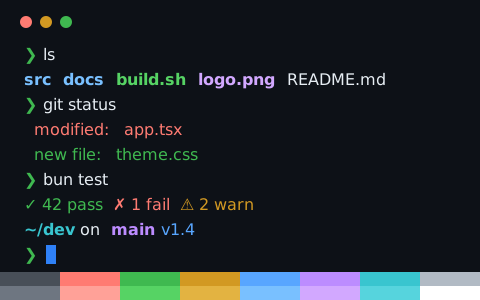
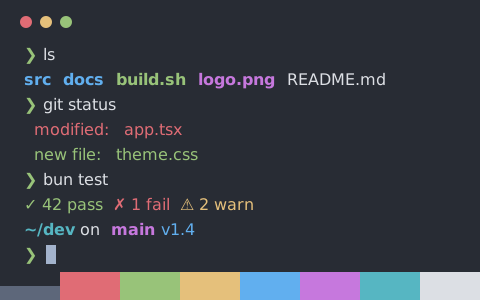
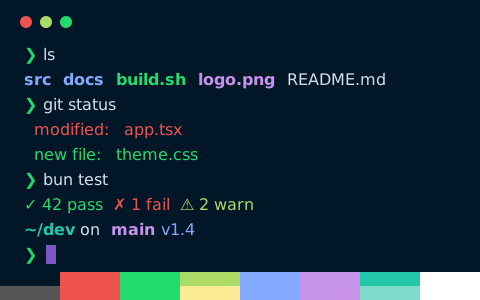
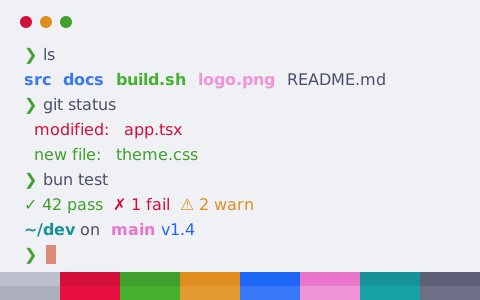
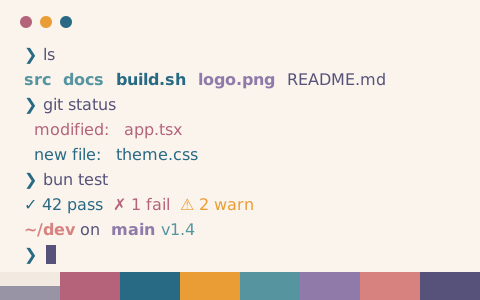
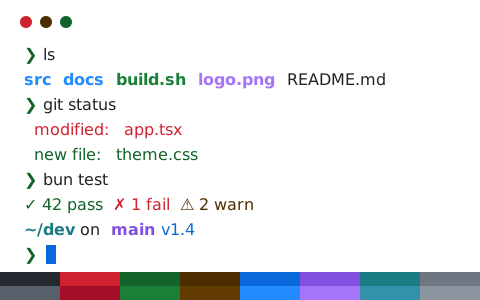
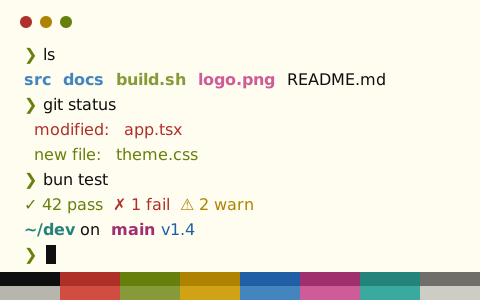
Install a color scheme in Rio
- Open any scheme page—the export panel preselects Rio so you can copy or download the config
- Save to ~/.config/rio/themes/catppuccin-mocha.toml and set
theme = "catppuccin-mocha"in config.toml - Reload your configuration or restart Rio
Download from the command line
Using Catppuccin Mocha as an example, this command saves the config into Rio’s theme directory. Replace catppuccin-mocha in the URL with any other scheme slug
mkdir -p ~/.config/rio/themes && curl -fsSL "https://tintdex.afengim.com/raw/catppuccin-mocha/rio" -o "$HOME/.config/rio/themes/catppuccin-mocha.toml"Example config: Catppuccin Mocha (Rio)
catppuccin-mocha.toml
# Theme: Catppuccin Mocha (Rio)
# Preview & customize online: https://tintdex.afengim.com/en/schemes/catppuccin-mocha?format=rio

[colors]
background = "#1e1e2e"
foreground = "#cdd6f4"
cursor = "#f5e0dc"
selection-background = "#f5e0dc"
selection-foreground = "#1e1e2e"
black = "#45475a"
red = "#f38ba8"
green = "#a6e3a1"
yellow = "#f9e2af"
blue = "#89b4fa"
magenta = "#f5c2e7"
cyan = "#94e2d5"
white = "#bac2de"
light-black = "#585b70"
light-red = "#f7aec2"
light-green = "#c2ecbf"
light-yellow = "#fcd682"
light-blue = "#aeccfc"
light-magenta = "#f398da"
light-cyan = "#b1eae1"
light-white = "#a6adc8"
Browse by visual style
All 2037 schemes export to Rio. Filter by visual style: