Alacritty 配色

Alacritty 支持 macOS、Linux、Windows。站内 2037 套配色均可一键生成 Alacritty 原生配置:点开任意配色,导出面板会自动切换到 Alacritty 格式
- 支持平台
- macOS、Linux、Windows
- 官方网站
- alacritty.org
热门 Alacritty 配色
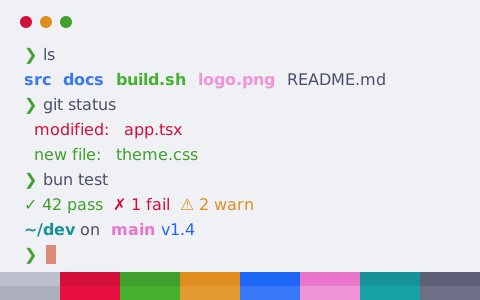
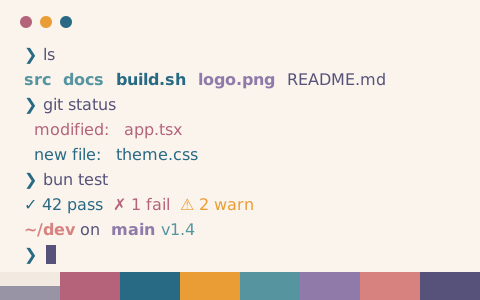
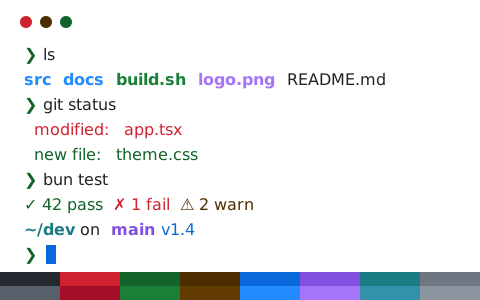
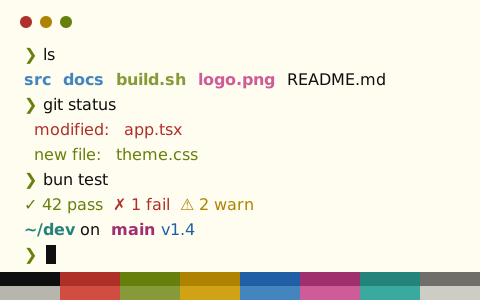
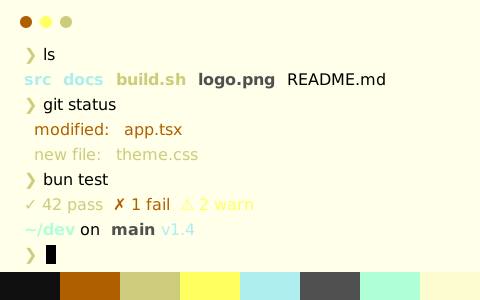
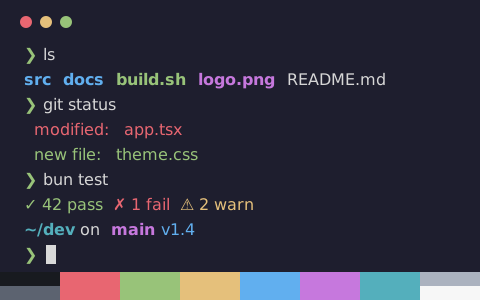
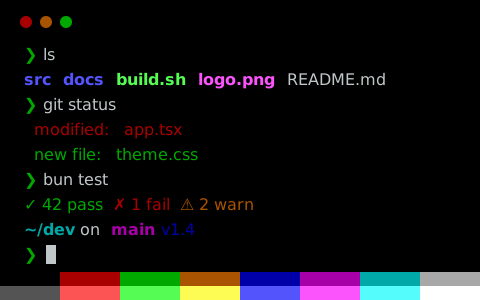
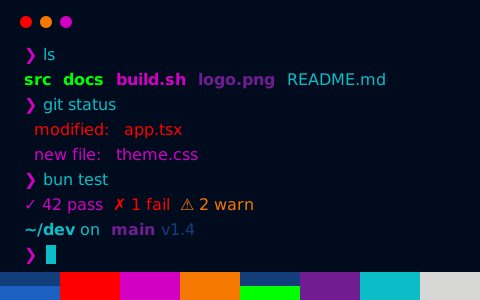
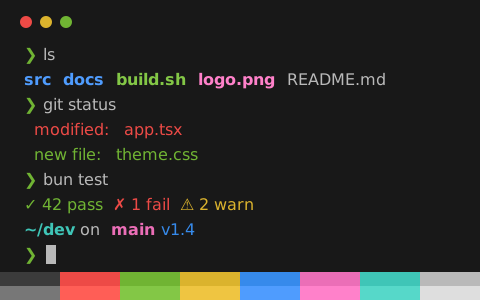
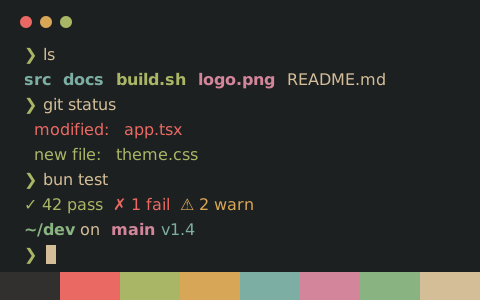
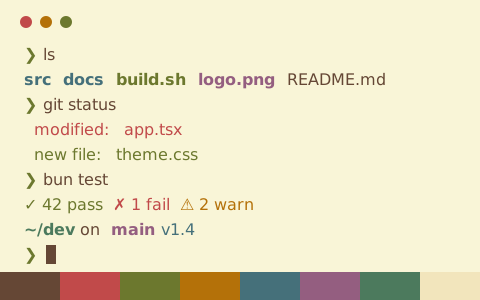
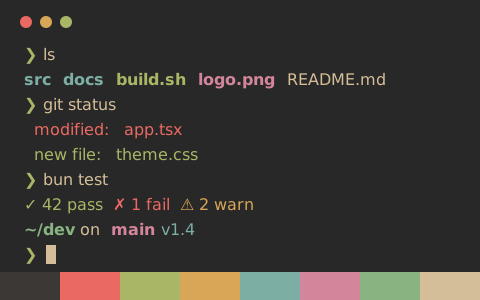
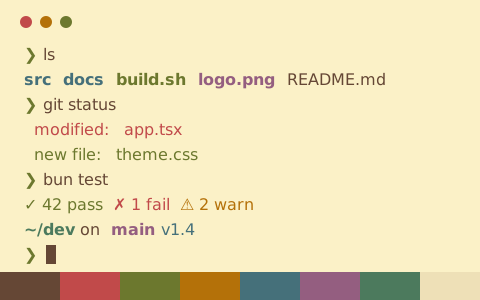
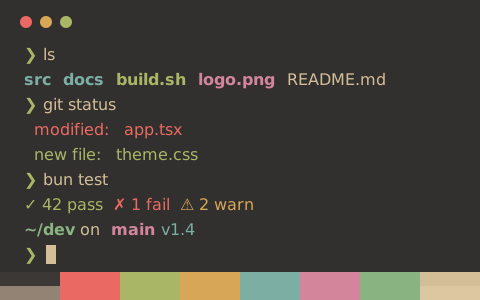
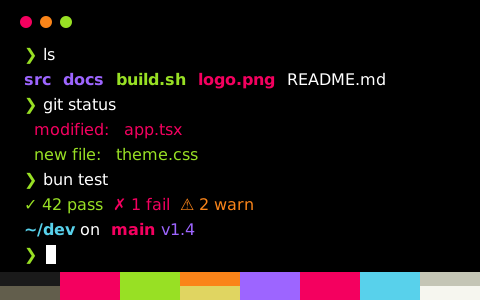
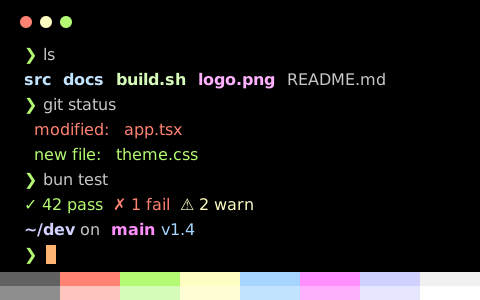
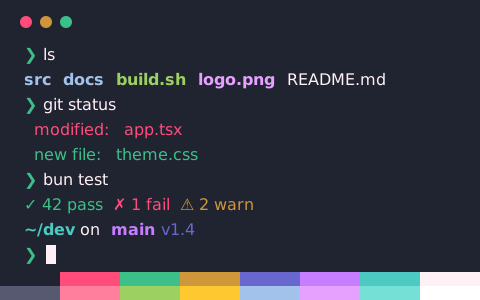
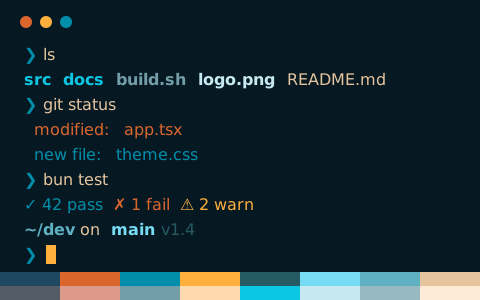
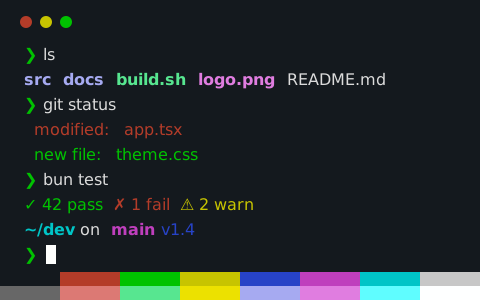
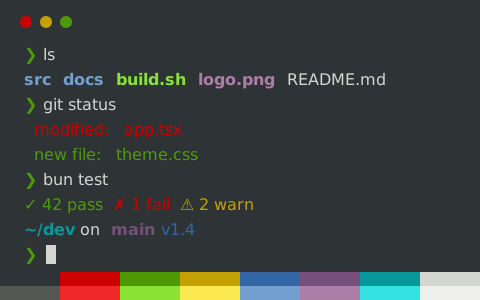
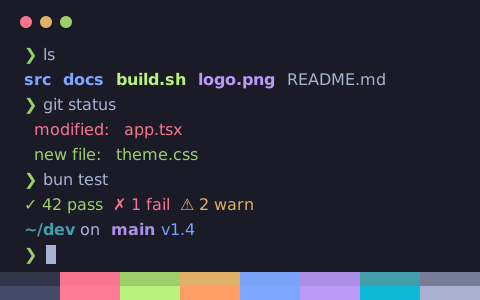
点击任意配色查看实时终端预览,导出面板将默认选中 Alacritty 格式
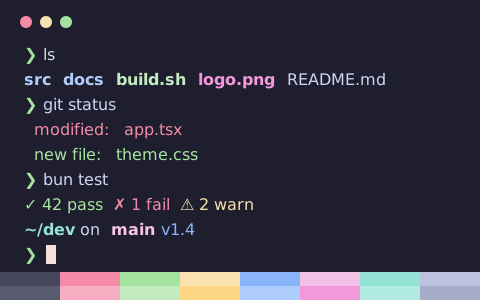
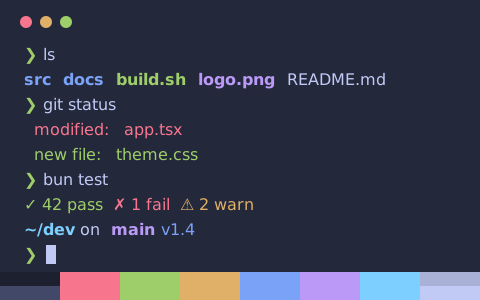
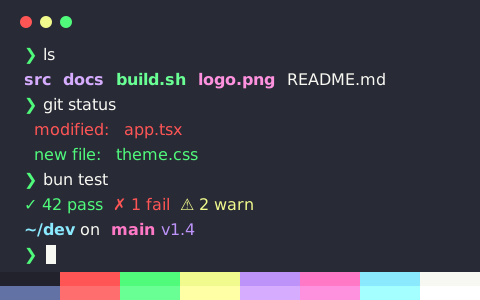
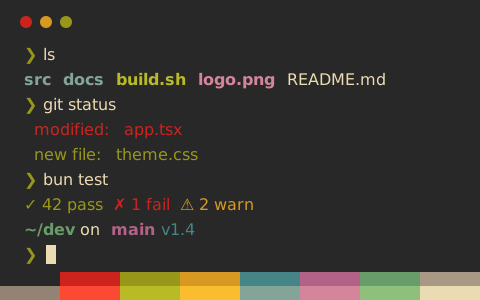
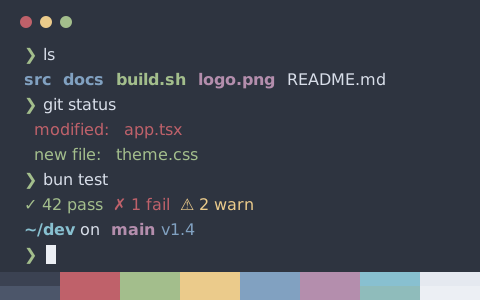
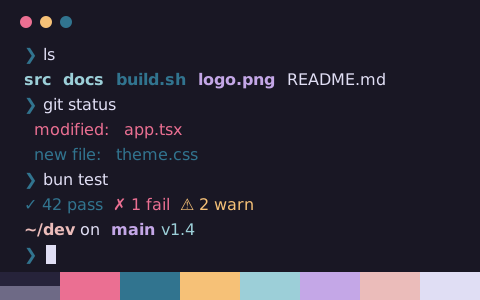
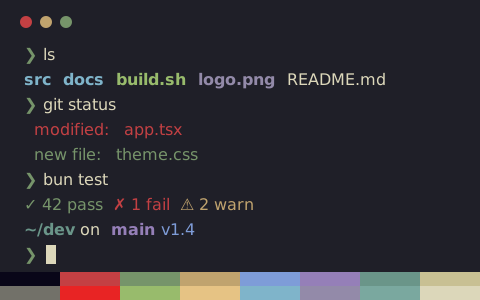
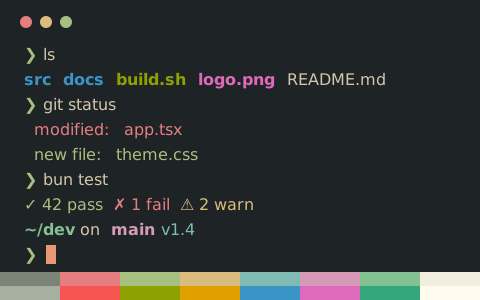
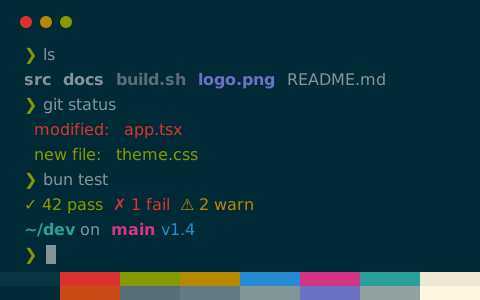
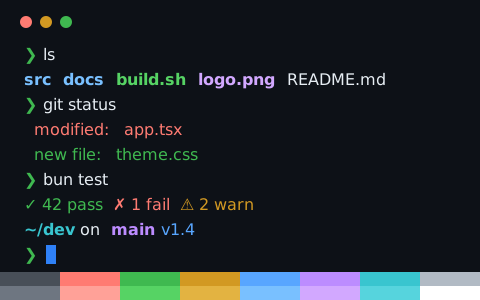
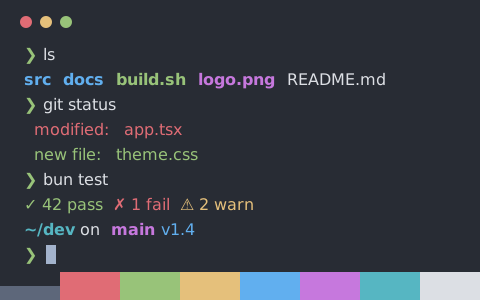
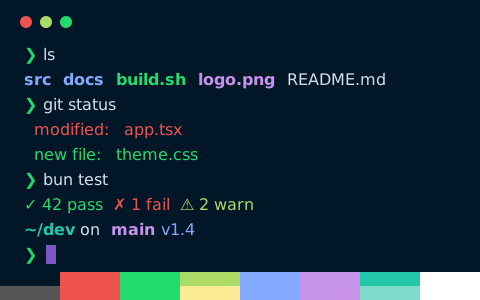
在 Alacritty 中安装配色
- 打开任意配色页面,导出面板会自动切换到 Alacritty 格式,复制或下载配置文件
- 存到 ~/.config/alacritty/themes/catppuccin-mocha.toml,再写入 alacritty.toml 的
[general] import - 保存后重新加载配置,或重启 Alacritty
命令行下载
以下以 Catppuccin Mocha 为例,直接将配置文件下载至 Alacritty 的主题目录。将链接中的 catppuccin-mocha 替换为其他配色标识即可下载对应主题
mkdir -p ~/.config/alacritty/themes && curl -fsSL "https://tintdex.afengim.com/raw/catppuccin-mocha/alacritty" -o "$HOME/.config/alacritty/themes/catppuccin-mocha.toml"配置示例:Catppuccin Mocha(Alacritty)
catppuccin-mocha.toml
# Theme: Catppuccin Mocha (Alacritty)
# Preview & customize online: https://tintdex.afengim.com/schemes/catppuccin-mocha?format=alacritty

[colors.primary]
background = "#1e1e2e"
foreground = "#cdd6f4"

[colors.cursor]
text = "#1e1e2e"
cursor = "#f5e0dc"

[colors.selection]
text = "#1e1e2e"
background = "#f5e0dc"

[colors.normal]
black = "#45475a"
red = "#f38ba8"
green = "#a6e3a1"
yellow = "#f9e2af"
blue = "#89b4fa"
magenta = "#f5c2e7"
cyan = "#94e2d5"
white = "#bac2de"

[colors.bright]
black = "#585b70"
red = "#f7aec2"
green = "#c2ecbf"
yellow = "#fcd682"
blue = "#aeccfc"
magenta = "#f398da"
cyan = "#b1eae1"
white = "#a6adc8"
Alacritty 官方与社区原生配色
以下 17 套配色收录自 Alacritty 主题仓库 Alacritty Theme
按视觉风格挑选
站内全部 2037 套配色均可导出为 Alacritty 格式,也可按风格分类筛选: